How to Generate AI Videos from Text: Prompt-to-Clip Workflow
Text-to-video works best when you treat the prompt like a single shot direction, not a full film brief.
That is the workflow behind NavoKit's Free AI Video Generator: write one clear visual idea, choose the frame, generate a short clip, then review whether the result is useful enough for a landing page, social post, pitch deck, or creative test.
This guide uses real NavoKit prompt tests instead of abstract advice. The goal is simple: help you get from a text prompt to a usable AI video clip without guessing what to write next.
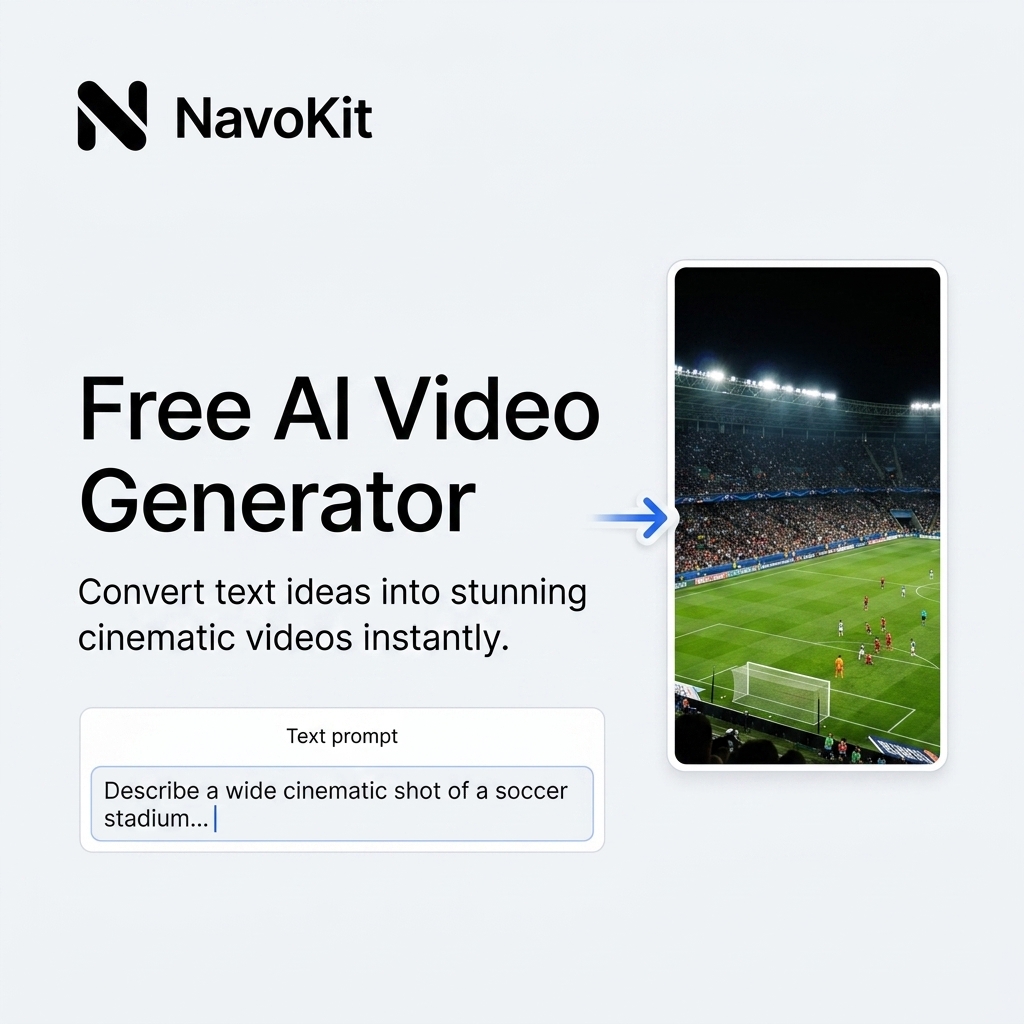
The NavoKit workflow at a glance
| Step | What you decide | Why it matters |
|---|---|---|
| 1. Write the shot | Subject, action, setting, camera, light, style | The model needs visible instructions, not broad intent. |
| 2. Choose the format | Landscape, portrait, or square | The same prompt behaves differently in different frames. |
| 3. Start with Auto duration | Let the service pick the safest short output | Auto is usually more reliable for the first test. |
| 4. Generate the clip | Keep the page open while it processes | Video generation is asynchronous and may take time. |
| 5. Review the result | Check subject, motion, lighting, and platform fit | A good-looking clip still has to do a job. |
Write one shot, not one story
A weak prompt tries to create a complete campaign:
A coffee brand video showing beans, a cafe, people drinking coffee, and a final logo scene.
That is too much for one short AI video generation. It asks for multiple scenes, continuity, camera changes, and a final brand moment.
A stronger prompt describes one usable shot:
Roasted coffee beans falling slowly onto a dark wooden table, close-up macro shot, warm morning light, shallow depth of field, premium product style.
The second prompt is narrower, but more useful. It can become a background clip, a product moodboard asset, a social teaser, or one scene in a longer edit.
A prompt formula that usually works
Use this structure:
Subject + action + setting + camera movement + lighting + visual style
Example:
A red fox walking through a snowy forest, soft snowfall, low tracking shot, realistic cinematic style.
The important part is that every phrase maps to something visible. "Trustworthy brand energy" is vague. "Soft side light, clean desk, slow push-in camera" is visible.
Three real NavoKit prompt tests
These examples are intentionally short. They are the kind of prompt a creator, marketer, or founder can write quickly, test, and then improve.
Test 1: cinematic nature clip
Prompt used:
A red fox walking through a snowy forest, soft snowfall, low tracking shot, realistic cinematic style.
Settings:
| Setting | Choice |
|---|---|
| Format | Landscape |
| Duration | Auto |
| Best use | Hero background, social B-roll, moodboard footage |
Result: watch the generated red fox sample
What worked:
- The subject is specific.
- The action is simple.
- The scene has a clear atmosphere.
- The camera instruction supports the subject instead of fighting it.
What to improve if you regenerate:
- Add "slow, steady pace" if the motion is too fast.
- Add "wide forest path" if you want more environment.
- Add "no text, no logo" if you need a clean background asset.
Test 2: product-style shot
Prompt used:
A perfume bottle on black stone, mist drifting around it, slow product shot, dramatic lighting.
Settings:
| Setting | Choice |
|---|---|
| Format | Square |
| Duration | Auto |
| Best use | Product concept, ad moodboard, premium landing-page visual |
Result: watch the generated perfume sample
What worked:
- The object, surface, atmosphere, and lighting are all visible details.
- "Slow product shot" gives the camera a clear job.
- The prompt does not ask for typography or a final logo, which are harder to control in text-to-video.
What to improve if you regenerate:
- Add the bottle shape or material if the product needs a specific silhouette.
- Add "close-up macro" for a tighter shot.
- Add "subtle rim light" if the object is too dark.
Test 3: creator workspace background
Prompt used:
A cozy desk setup at night, laptop screen glowing, coffee steam rising, slow push-in camera, warm ambient light, calm creator workspace.
Settings:
| Setting | Choice |
|---|---|
| Format | Landscape |
| Duration | Auto |
| Best use | Newsletter header, creator tool landing page, social background clip |
Result: watch the generated cozy desk sample
What worked:
- The environment is familiar and easy for the model to visualize.
- The movement is simple: one slow push-in.
- The mood is clear without asking for a complex story.
What to improve if you regenerate:
- Add "minimal desk, no people" if you want a cleaner UI background.
- Add "soft bokeh lights" for a more cinematic feel.
- Add "screen content not readable" if you want to avoid accidental text-like artifacts.
Auto duration vs fixed duration
For the first generation, Auto is usually the safest choice. It gives the video service more room to return a valid clip instead of forcing a length that may not fit the model output.
Use a fixed duration only when the publishing context requires it:
| Need | Recommended duration choice |
|---|---|
| First prompt test | Auto |
| Landing-page background | Auto first, fixed only after the prompt works |
| Social teaser | Fixed if you need a specific edit length |
| Looping visual | Fixed, but keep the prompt very simple |
| Prompt keeps timing out | Auto or a shorter fixed length |
If generation takes longer than expected, NavoKit keeps your prompt in place so you can retry without typing it again. That matters because the product should respect the work you already put into the prompt, even when the upstream video queue is busy.
How to fix common weak results
| Problem | Likely cause | Try this |
|---|---|---|
| Subject changes between frames | The subject is too vague or overloaded | Use one concrete subject: "a red fox", "a glass perfume bottle", "a laptop on a desk". |
| Motion feels chaotic | Too many actions or camera requests | Keep one subject action and one camera movement. |
| Scene looks generic | Lighting and setting are under-specified | Add surface, time of day, light direction, or weather. |
| Output ignores the mood | The prompt uses abstract adjectives only | Replace "premium" with visible cues like "black stone, mist, rim light". |
| Clip takes too long to process | Prompt or duration may be too demanding | Use Auto, shorten the prompt, or reduce the number of constraints. |
Prompt templates you can adapt
Product concept:
A ceramic coffee cup on a marble table, steam rising slowly, close-up product shot, soft morning side light, minimal lifestyle commercial style.
Website hero:
Abstract blue light waves moving across a dark glass surface, slow smooth motion, clean futuristic landing page background.
Social B-roll:
A creator writing ideas in a notebook beside a laptop, overhead shot, warm desk lamp, calm focused workspace, subtle camera drift.
Travel moodboard:
A lone cyclist crossing a foggy bridge at sunrise, wide shot, soft blue light, slow tracking camera, cinematic realism.
What not to put in the prompt
Avoid asking for:
- exact readable text
- precise logos
- multiple scene cuts
- detailed brand guidelines
- character continuity across shots
- complex dialogue or subtitles
- confidential product information
If you need a complete commercial, build it from multiple short clips. Generate one scene at a time, review each clip, then assemble them in a video editor.
Privacy and rights
Your prompt is processed by an AI video service to generate the clip. Do not submit confidential information, private client data, passwords, API keys, unreleased brand material, or anything you would not want processed by a third-party AI service.
NavoKit does not add extra commercial rights to generated output. Before using a clip commercially, review the applicable AI service terms and make sure your prompt, output, and final use do not infringe anyone else's rights.
Ready to test a prompt? Create a short AI video from text.
Want to run the workflow now?
Open Free AI Video Generator and turn the workflow above into a usable result.
Open tool