Convert Markdown, AI responses, and structured notes into clean, shareable image cards.
01Paste Markdown
111 characters
02Live Preview
Project notes
Small tools help people finish work faster.
Clear input
Useful output
Easy to share
Made with
Tool summary
What this tool does.
Task
Convert Markdown, AI responses, or structured text into a clean image.
Input
Markdown text with headings, lists, quotes, tables, or code blocks.
Output
A PNG image for social sharing, documentation, or archiving.
Privacy
Rendering happens in the browser; NavoKit does not upload or store your Markdown.
How it works
From Markdown to a shareable image.
01
Paste your content
Paste Markdown, a ChatGPT response, or any structured text.
02
Review the preview
See headings, lists, quotes, and code blocks update as you type.
03
Export the PNG
Download a high-resolution image for social posts, documents, or archives.
Use cases
Built for real work.
Share AI answers
Turn useful ChatGPT or AI responses into readable visual cards.
Publish technical notes
Preserve Markdown hierarchy, lists, and code structure.
Archive structured content
Save transient chat content as a standalone visual file.
Create content cards
Create clean companion graphics for posts and newsletters.
Product examples
See the input and actual PNG-style output examples.
01ChatGPT answer export
Markdown pasted into the tool
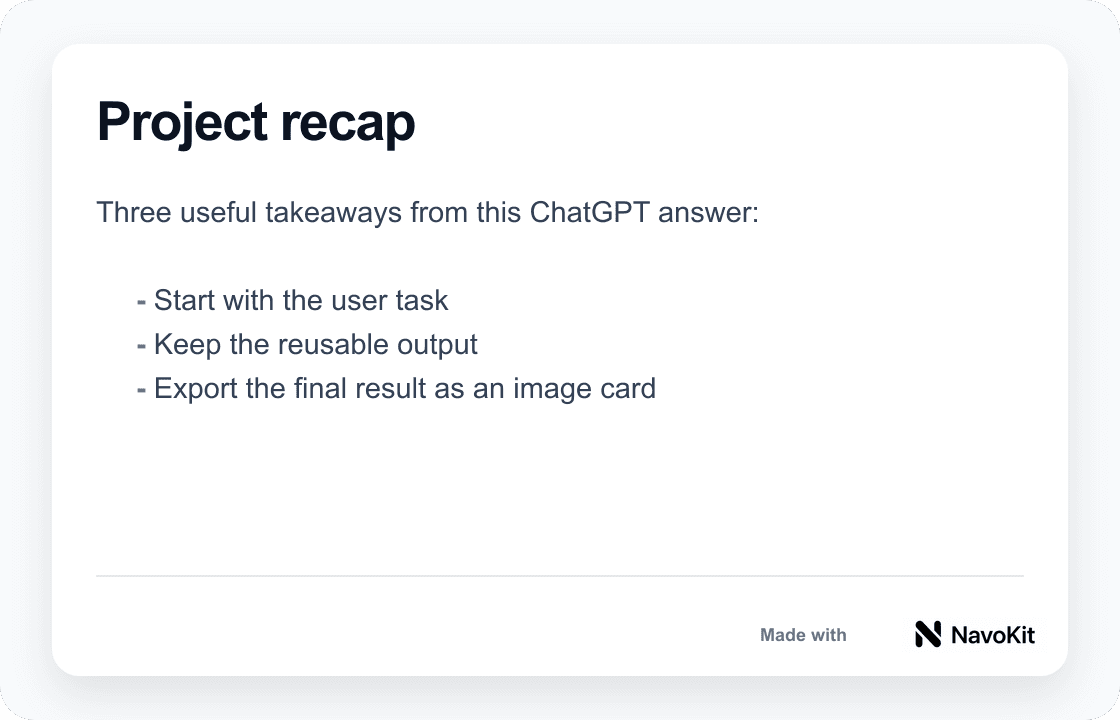
# Project recap

Three useful takeaways from this ChatGPT answer:

- Start with the user task
- Keep the reusable output
- Export the final result as an image card
How the exported PNG looks
This is a real PNG example asset generated in the same export style, including the Made with NavoKit mark.
02Technical checklist export
Markdown pasted into the tool
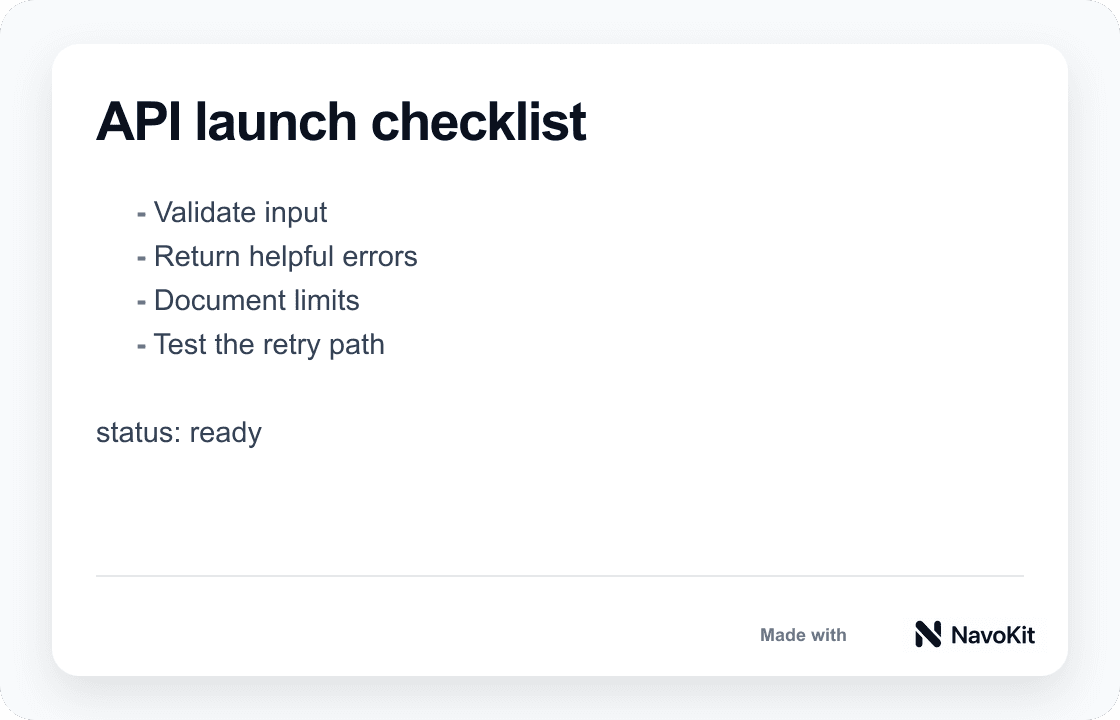
## API launch checklist

1. Validate input
2. Return helpful errors
3. Document limits
4. Test the retry path

`status: ready`
How the exported PNG looks
Good for turning technical workflows, launch checklists, and tutorial steps into shareable visuals.
03Social knowledge card
Markdown pasted into the tool
> Small tools help people finish work faster.

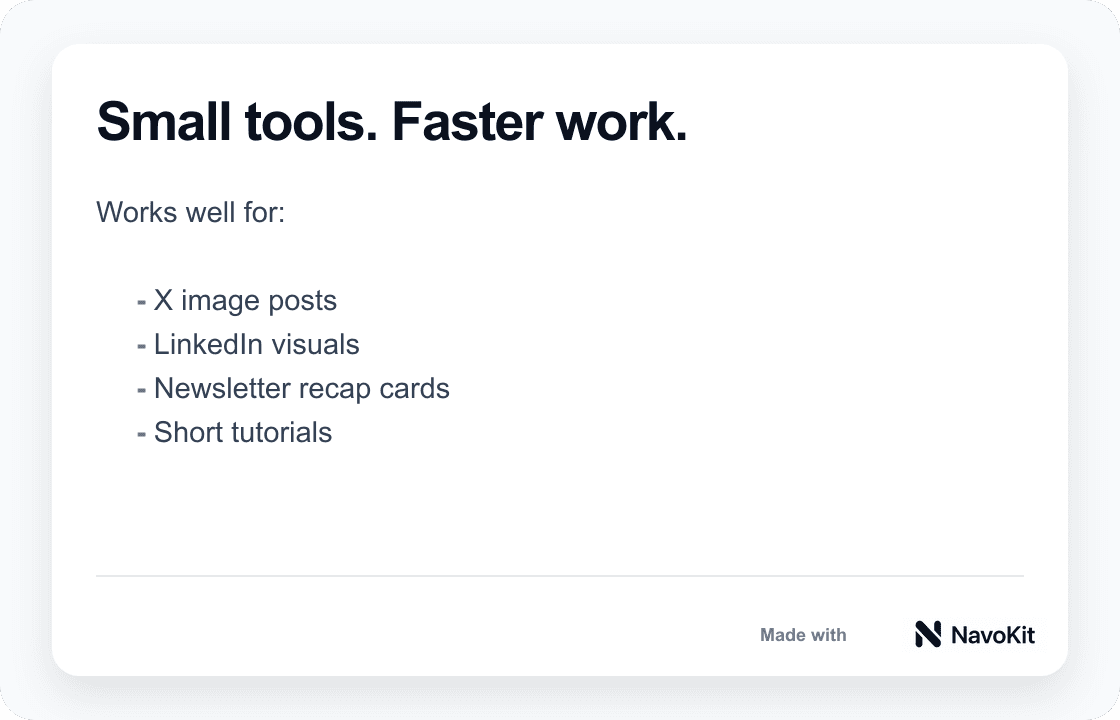
Works well for:

- X image posts
- LinkedIn visuals
- Newsletter recap cards
How the exported PNG looks
This is the kind of clean card people can read quickly on X or LinkedIn.
Limitations
Know this before you start.
Rendering depends on the browser
Complex tables, very long content, or special Markdown plugins may not match your original editor exactly.
The free version includes a brand mark
Exports include a restrained NavoKit mark.
It is not a full design editor
This tool focuses on turning structured text into clean images quickly. It does not replace Figma or Photoshop.
FAQ
Questions, answered.
Does it work with ChatGPT responses?+
Yes. Copy the Markdown-formatted response and paste it into the editor.
Which Markdown syntax is supported?+
It supports common syntax including headings, emphasis, lists, links, quotes, tables, and code blocks.
Do I need to sign up?+
No. The current version is ready to use without an account.
Why does the image include a brand mark?+
The free version includes a restrained NavoKit watermark to support the tool.