How to Draft Social Posts with AI: Real NavoKit Workflow
AI is useful for social writing when it helps you get from a rough idea to a structured first draft. It is not useful when it turns every thought into the same shiny, generic post.
That is why NavoKit's AI Social Post Generator starts with one idea and returns several editable drafts: X / Twitter, LinkedIn, Instagram, and hook ideas. You still decide what is true, what is specific, and what deserves to be published.
This guide shows the real workflow with product screenshots and examples, so you can use AI as a drafting assistant instead of a copy-paste machine.
What the tool actually generates
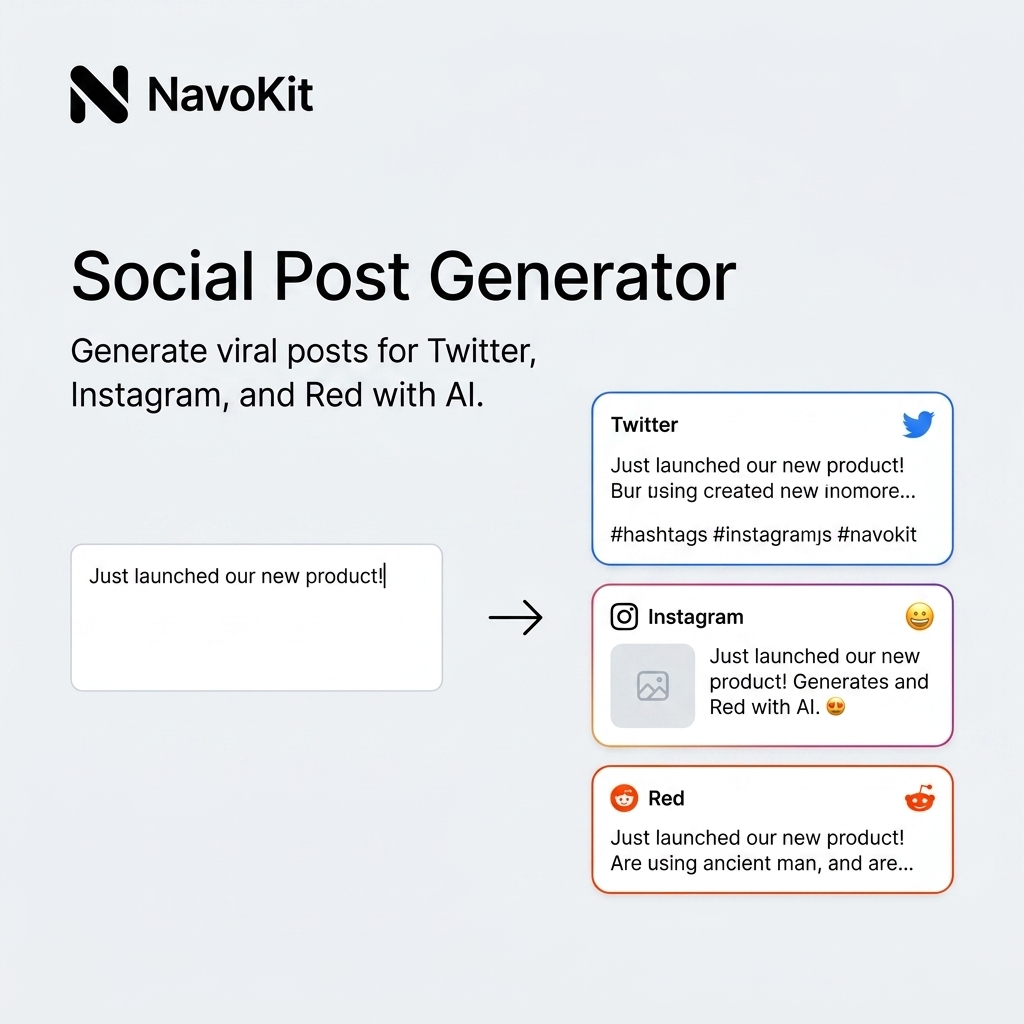
Paste one idea into NavoKit, choose the draft types you need, and generate platform-ready starting points.
| Output | Use it for | What to check before publishing |
|---|---|---|
| X / Twitter | Short opinion, link teaser, launch note, quick lesson | Is the first line clear without extra setup? |
| Product update, workflow explanation, professional reflection | Does it sound useful rather than self-congratulatory? | |
| Caption for a visual, screenshot, image card, or generated clip | Does the caption match the asset? | |
| Hook ideas | Choosing the opening before writing the final post | Is the hook accurate, not just dramatic? |
The output is not the final answer. The value is speed: you get several directions quickly, then edit the best one.
Start with one specific idea
Bad input:
Write a social media post about productivity.
That prompt is too broad, so the result will probably sound like every other productivity post.
Better input:
I built a free tool that turns Markdown into clean image cards. The audience is creators, developers, and indie founders who are tired of sharing messy screenshots. Keep the tone practical and direct. Mention paste Markdown, preview, export PNG.
This gives the draft a real job: who it is for, what changed, and what the reader can do.
Case 1: turning a product launch into social drafts
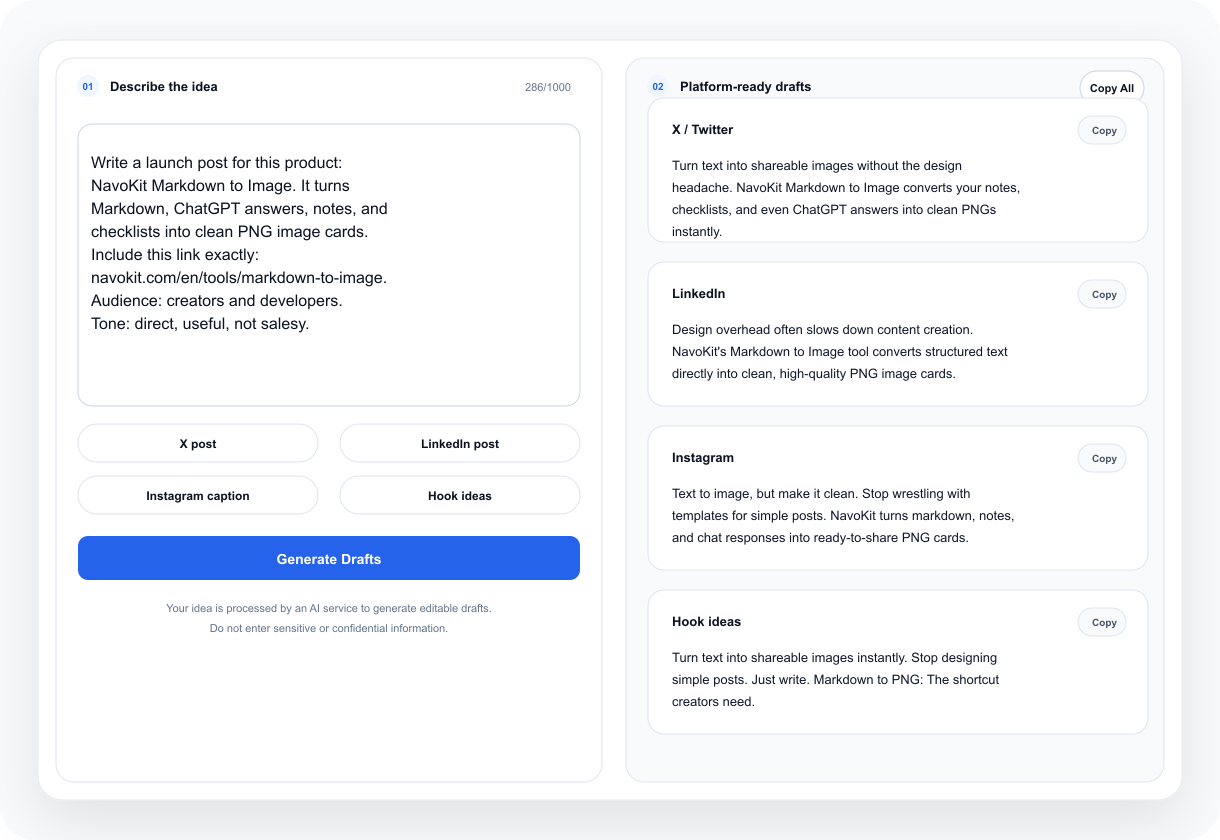
Input used:
I built a free tool that turns Markdown into clean image cards. The audience is creators, developers, and indie founders who are tired of sharing messy screenshots. Keep the tone practical and direct. Mention paste Markdown, preview, export PNG.
Workspace result:
One usable X-style edit:
I got tired of ugly screenshots.

So I made a free tool that turns Markdown into clean image cards.

Paste Markdown -> preview -> export PNG.

Works well for ChatGPT answers, notes, checklists, and short tutorials.
Why this works:
- It starts with a real frustration.
- It explains the workflow in one line.
- It avoids inflated claims.
- It points to concrete use cases.
What still needs a human edit:
- Add the actual link.
- Attach a real exported image card.
- Remove anything that sounds unlike your normal voice.
Case 2: promoting an AI video prompt example
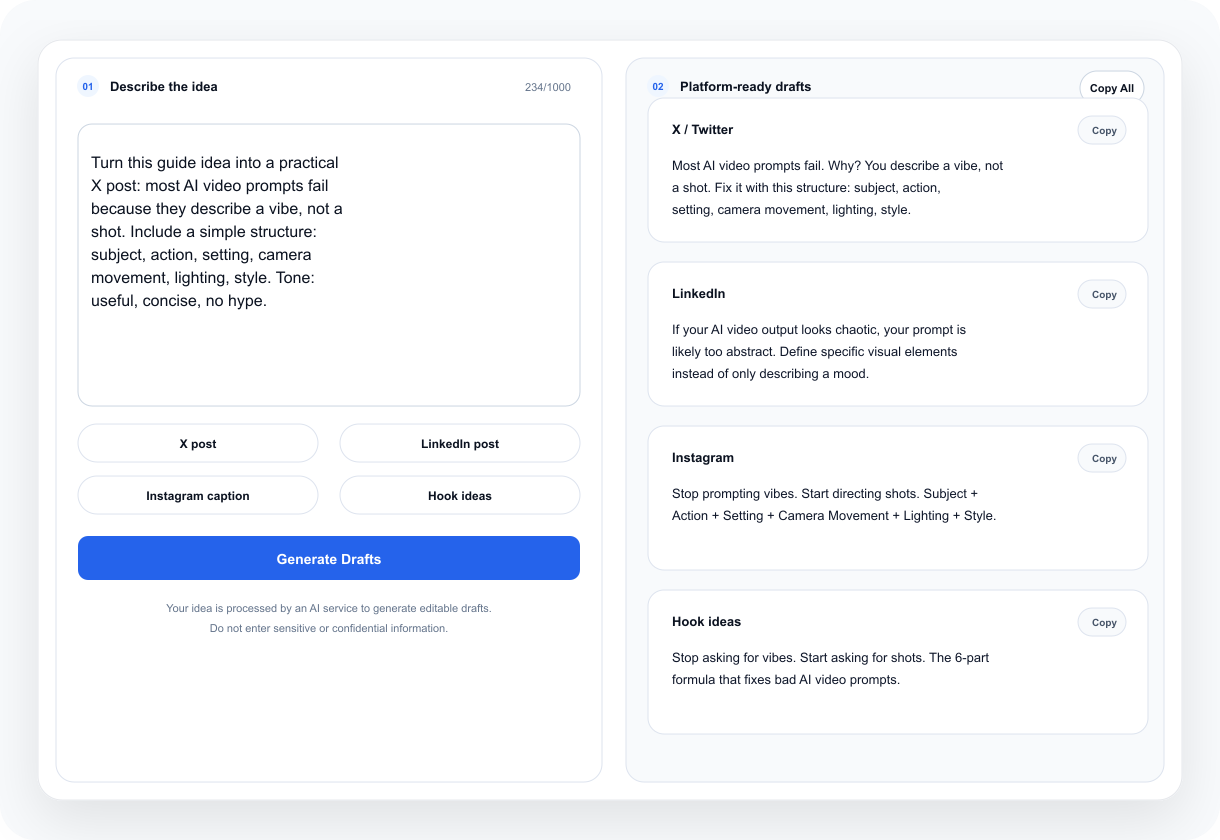
Input used:
I want to share an AI video prompt example: a red fox walking through a snowy forest, soft snowfall, low tracking shot, realistic cinematic style. The audience is creators testing short AI video clips. Keep it useful, not hype.
Workspace result:
One usable post direction:
Prompt test:

"A red fox walking through a snowy forest, soft snowfall, low tracking shot, realistic cinematic style."

The lesson: one clear shot usually beats a full story prompt.

Subject + action + setting + camera + style is enough to start.
Why this works:
- It teaches something, not just announces a feature.
- The prompt is reusable.
- The post naturally points back to the tool without sounding like an ad.
Case 3: drafting a caption for an event or visual asset
Input used:
We are hosting a small online workshop for creators about turning notes, prompts, and AI answers into visual assets. Need a concise Instagram caption and a few hooks.
Workspace result:
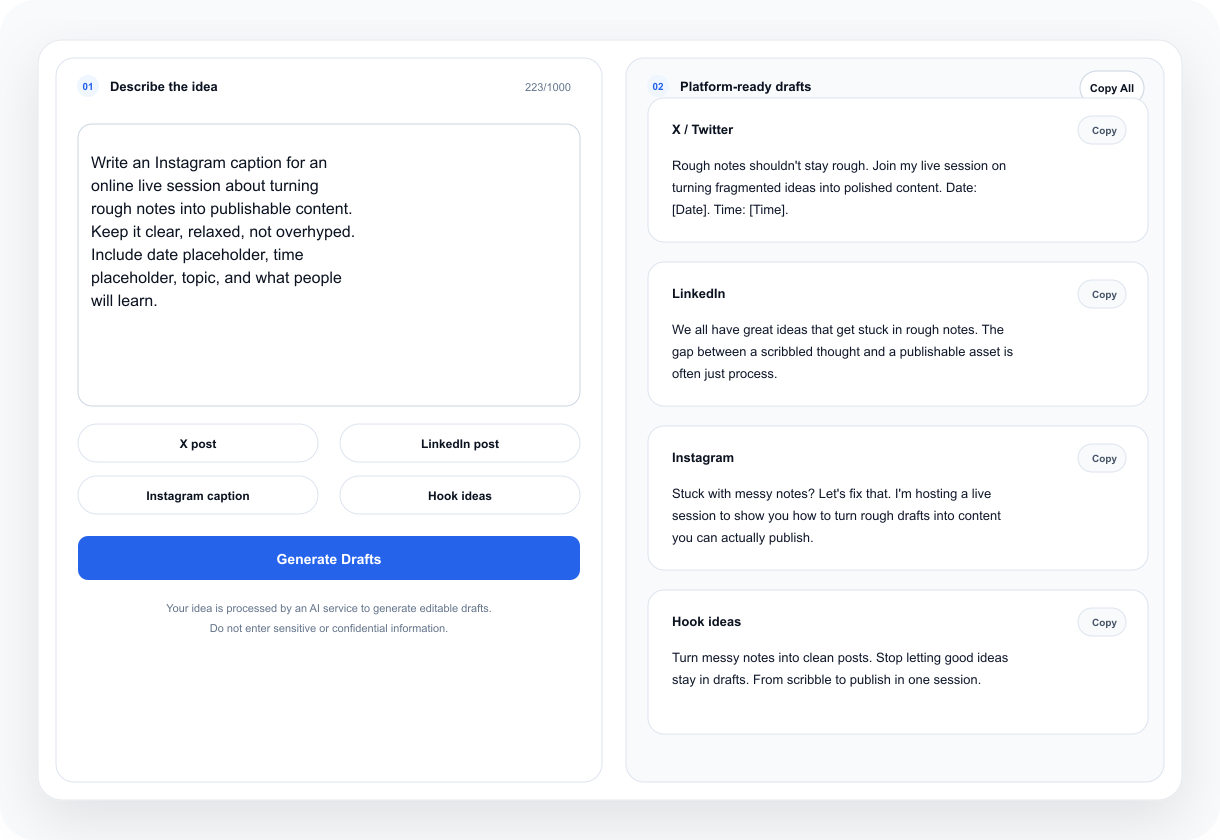
One usable Instagram-style edit:
Your best notes should not stay buried in a doc.

In this workshop, we will turn rough ideas, prompts, and AI answers into clean visual assets you can share.

Bring one messy note. Leave with one publishable card.
Why this works:
- It connects the event to a concrete outcome.
- It gives the reader a simple promise.
- It avoids vague "unlock your creativity" language.
Review facts before tone
Before polishing the style, check whether the draft is true.
Look for:
- invented numbers
- exaggerated results
- fake user claims
- unsupported "best" or "fastest" statements
- features your product does not actually have
- platform names you did not ask for
- dates, pricing, or availability details that may be wrong
If a draft says "increase engagement by 300%" and you do not have evidence, delete it. If it says "works for every business," narrow the claim. Social posts do not need fake certainty to be useful.
Edit AI drafts into human posts
Most AI drafts need less polish, not more.
| AI draft problem | Human edit |
|---|---|
| "In today's fast-paced digital world..." | Cut it. Start with the real point. |
| Broad promise | Replace it with one use case. |
| Too many adjectives | Keep the nouns and verbs. |
| Generic hook | Use a specific frustration, mistake, or observation. |
| Too promotional | Add what changed, what you learned, or what the user can do. |
The final post should feel edited, not generated.
Platform-specific editing notes
For X / Twitter, lead with the idea. Long setup usually weakens the post. If you include a link, explain the value before the link.
For LinkedIn, add context. Explain what changed, why it matters, and what others can learn. Keep the tone useful instead of self-congratulatory.
For Instagram, match the caption to the visual. If the asset is a generated video, image card, or product screenshot, the caption should support the asset rather than repeat every detail.
For hook ideas, generate more than you need. Choose the hook that is accurate, not merely dramatic.
A repeatable NavoKit workflow
Use this sequence:
- Write one clear idea.
- Paste the idea into the AI Social Post Generator.
- Generate the draft types you need.
- Pick the closest version.
- Check facts, claims, and platform fit.
- Rewrite the first line.
- Add one real detail.
- Remove generic AI-sounding phrases.
- Pair the post with a real asset when possible.
- Publish only when the post still feels true.
If the idea is visual, create the asset first. You can turn notes into an image card with Markdown to Image, or generate a short clip with the Free AI Video Generator. Then use NavoKit to draft the post around the asset.
Privacy and sensitive information
Your input is processed by an AI service to generate the draft. Do not paste private customer details, unreleased financial data, API keys, passwords, confidential roadmaps, or internal messages.
If a post is based on client work, anonymize the example before using AI. If a post mentions performance, revenue, legal, medical, or financial outcomes, verify the claim manually before publishing.
Final checklist
Before publishing, ask:
- Is the main idea clear in the first few lines?
- Is every factual claim true?
- Does the tone match my normal voice?
- Is the platform format appropriate?
- Did I remove generic AI-sounding phrases?
- Is there one real detail or example?
- Does the attached image, video, or link support the post?
- Would I still stand behind this tomorrow?
AI can speed up the blank-page stage. The final post should still carry your judgment.
Want to run the workflow now?
Open Free AI Video Generator and turn the workflow above into a usable result.
Open tool