Visualizing Complex Code: Why Plain Text Sharing on Twitter/X is Dead (And How to Fix It)
Stop posting ugly code blocks on X. Discover the 4-Visual-Anchor Strategy and how turning code into stunning visuals can 10x your dev-influencer engagement.
On this page
If you’re still copy-pasting raw code snippets into your Twitter/X timeline, I’m going to be brutally honest with you: you are shadow-banning yourself.
We’ve all seen it. A brilliant developer spends four hours crafting the perfect optimization for a React component. They’re buzzing with adrenaline. They rush to X, drop a messy ```javascript block, hit post, and wait for the viral fame.
Crickets.
Why? Because the X algorithm doesn’t care about your O(1) time complexity if it looks like a wall of gray static. Attention spans are sitting at sub-two seconds. If your code doesn't immediately arrest the eye mid-scroll, it's effectively invisible. The harsh reality of tech social media in 2026 is that packaging is just as important as the payload.
In this deep dive, we’re going to tear down exactly why plain text code sharing is dead, and I'll introduce you to the 4-Visual-Anchor Strategy—a growth framework that the top 1% of dev-influencers use to farm impressions and build massive audiences. Finally, we'll look at why taking native screenshots of your IDE is a rookie mistake, and how to automate the perfect aesthetic.
The Anatomy of a Dead Post#
Let’s look at the cognitive friction of reading raw code on a social feed. When a user scrolls past a raw text block, their brain has to switch contexts from casual consumption to deep analytical parsing. Without syntax highlighting, proper indentation (which X frequently butchers), or structural hierarchy, the cognitive load spikes. The user's brain takes the path of least resistance: scroll past.
Here's the harsh truth visualized:
graph TD
    A[User Scrolling X Feed] -->|2-second window| B{Does it pop?}
    B -->|No - Plain Text Code| C[Brain detects high cognitive load]
    C --> D[SCROLL PAST - 0 Engagement]
    B -->|Yes - Stunning Visual| E[Thumb stops]
    E --> F[Reads syntax-highlighted logic]
    F --> G[Clicks Expand/Likes/Retweets]
    G --> H[Algorithm boosts post]
The algorithm monitors "dwell time" (how long someone stops on your post) and immediate interactions. Plain text kills dwell time. Visuals hack it.
Introducing: The 4-Visual-Anchor Strategy#
To stop the scroll, your code needs to be treated as a piece of high-converting creative media, not a log file. After analyzing thousands of viral dev posts, the pattern is clear. Successful code posts leverage the 4-Visual-Anchor Strategy:
1. The Context Header (The Hook)#
Don't just show the code. Frame it. The visual needs a title bar or a clean header that explains what the code does in plain English before the reader parses a single variable. Think macOS window controls or a sleek terminal tab.
2. High-Contrast Syntax Seduction#
Syntax highlighting isn't just for developers; it's a visual hierarchy tool. Vibrant colors on a deep, dark background (or a crisp, clean light mode) guide the eye. Keywords pop, strings are distinct. This drastically lowers the cognitive load.
3. The Isolation Background#
A raw screenshot of VS Code with your file tree, terminal, and Spotify integration visible is visual noise. The code must exist in a vacuum. A subtle gradient or a solid, contrasting padding around the code block isolates the logic and screams "premium content."
4. The Watermark of Authority#
Viral content gets stolen. Always brand your snippets. A subtle watermark or handle at the bottom ensures that when your code ends up on a generic programming meme page, the traffic routes back to you.
The Problem with Native Screenshots#
"Okay," you're thinking, "I'll just use Cmd+Shift+4 and screenshot my IDE."
Stop right there.
Taking a native screenshot is the digital equivalent of taking a photo of a printed document. It's unoptimized, the resolution scales poorly on different devices, it lacks padding, and you expose all your IDE clutter. Plus, if you need to fix a typo, you have to recreate the entire screenshot from scratch.
Let's compare the methods:
| Feature | Plain Text on X | Native IDE Screenshot | The 4-Anchor Visual Approach |
|---|---|---|---|
| Dwell Time | Abysmal | Average | Extremely High |
| Mobile Readability | Poor (line wraps) | Hit or miss (scaling issues) | Perfect (custom aspect ratios) |
| Aesthetic Appeal | Zero | Cluttered / Messy | Premium / Professional |
| Brand Equity | None | Low | High (Custom watermarks/themes) |
| Algorithm Favor | Low | Medium | Viral Potential |
Making a Markdown card with NavoKit#
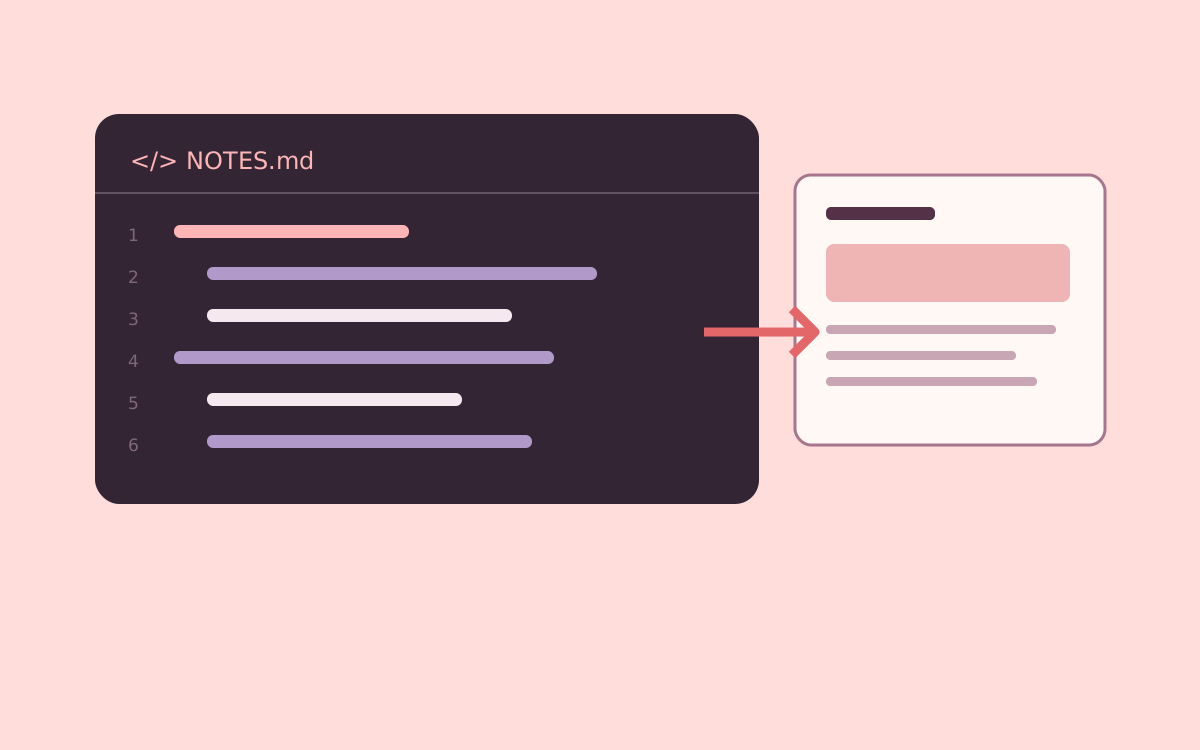
Paste a short code example for a social post into NavoKit Markdown to Image. Organize it with headings, lists, tables, or code blocks, inspect the live preview, and export a PNG. Conversion runs in the browser and the image includes a NavoKit mark.
The current interface uses a fixed white card style. It has no theme, syntax-highlighting, window-frame, transparent-background, or aspect-ratio selector, and does not offer PDF, vector, or batch export. The image height follows the content, so split long material before exporting.
For a carousel or presentation, prepare and export each card separately, then assemble it in your publishing or presentation tool. Keep the original text and code links available for readers who need to copy them.
The Bottom Line#
The meta has shifted. The days of raw text code dumps are over. If you are building in public, sharing tutorials, or trying to land your next role through social proof, you are playing a visual game.
Article record and sources
Part of the NavoKit article archive. Publication and update dates follow the article’s recorded metadata.
Article URLhttps://www.navokit.com/en/blog/visualize-code-on-x-twitter